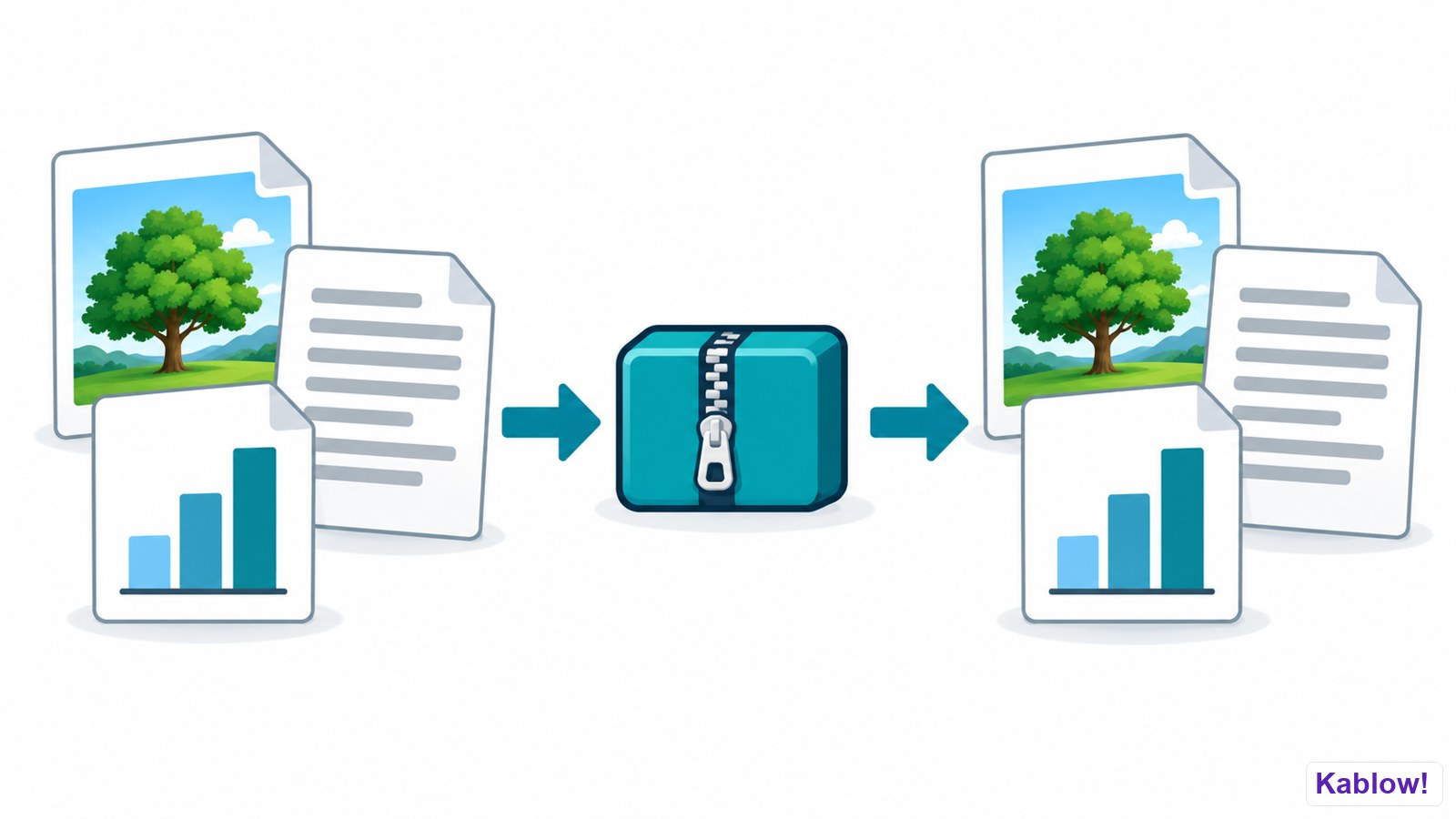
Compression makes files smaller: less storage, faster transfer and lower bandwidth costs.
Packing and restoring files
Lossy compression
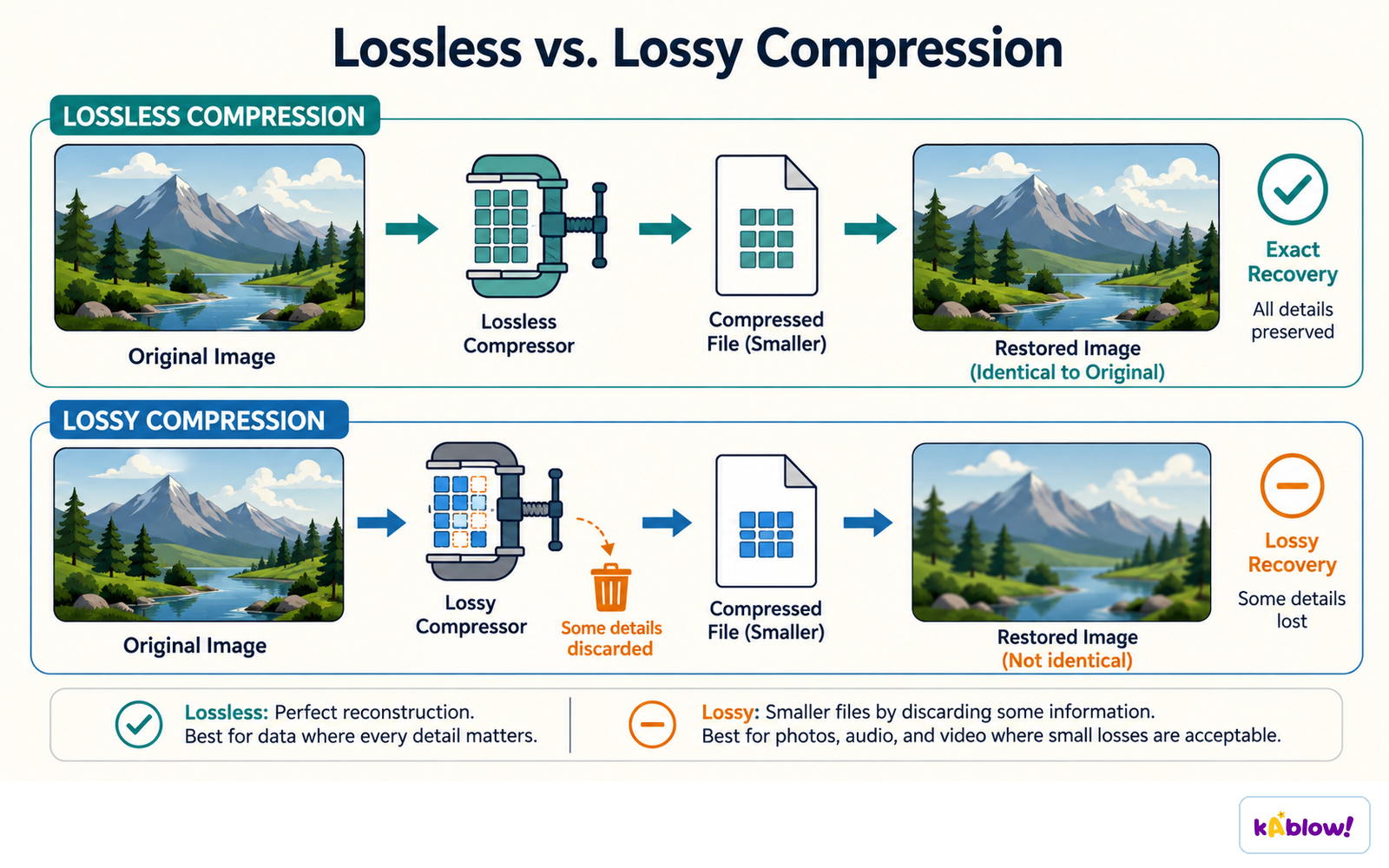
Lossy compression permanently discards information, so the exact original cannot be reconstructed from the compressed representation alone.
Examples include standard lossy JPEG images, MP3 audio and lossy H.264 video. MP4 is a container; its codec determines compression.
Lossless compression
Lossless reduces size without losing any data; the original can be perfectly restored. Used for PNG, ZIP, FLAC and text where accuracy matters.
Lossless and lossy compression
Run-length encoding (RLE)
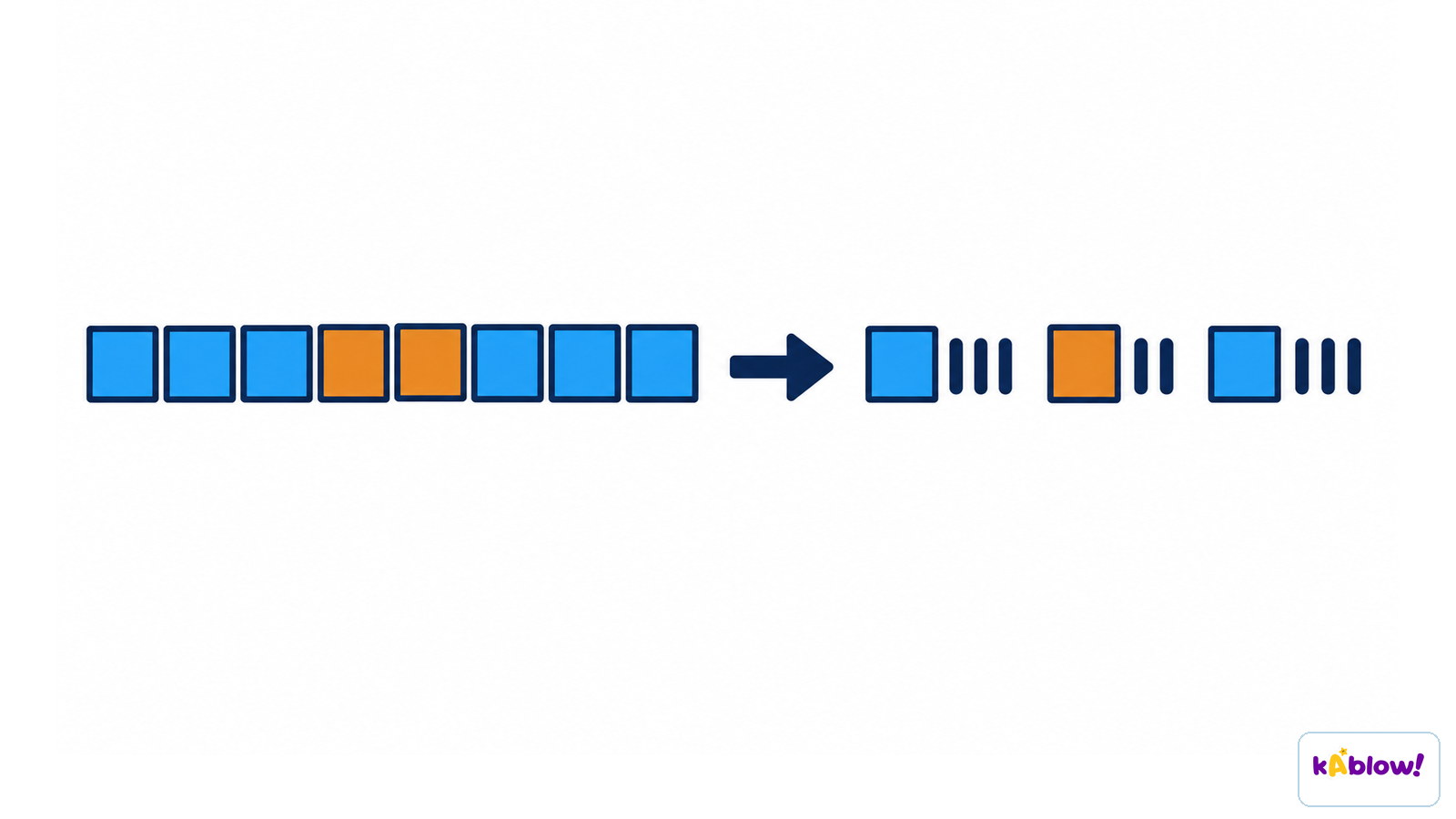
Replaces repeated values with a count and the value. AAAABBBCC → 4A3B2C. Works well when many repeats occur (simple images). May not help if there are few repeats.
Run-length encoding
Huffman coding
Huffman coding builds variable-length prefix codes using symbol frequencies, normally giving common symbols shorter codes.
Encoded symbol data can require fewer bits than a fixed-length code; any codebook or tree overhead also contributes to the stored file size.
Choosing
Use lossy for photos, music and video where small quality loss is acceptable; use lossless where exact data matters (documents, program code).
スライド
Sign up free to view the lesson slides
Step through every slide for this topic — plus flashcards and revision notes — with a free account.