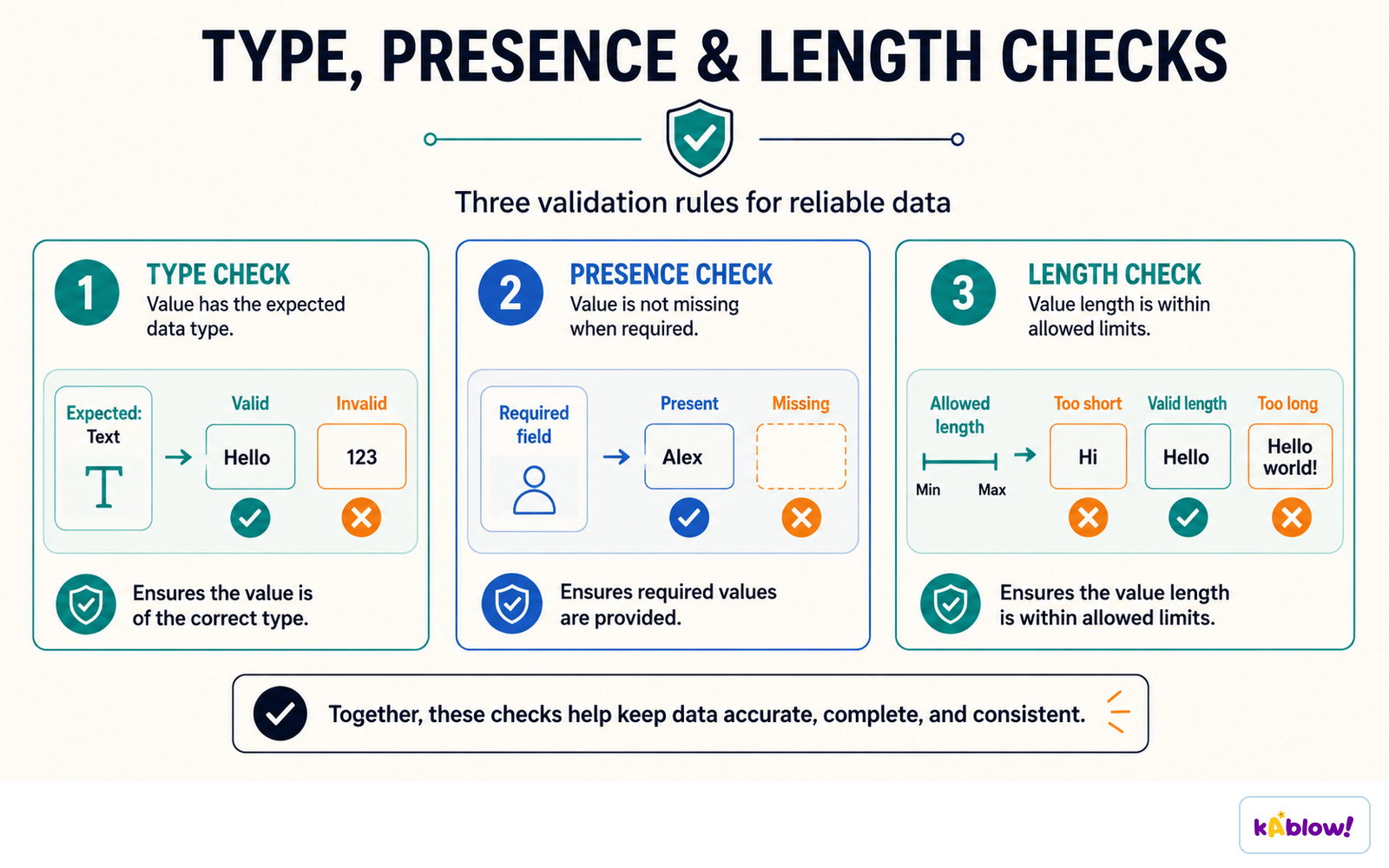
Validation checks that data entered is reasonable and sensible, but not necessarily correct. Types:
Range check: within limits (age 0-120). Length check: number of characters (password at least 8). Type check: correct data type (integer). Presence check: something has been entered. Format check: pattern (postcode). Lookup check: value is in a list.
Verification checks data was entered correctly: double entry (type twice) or visual check.
Validation checks
Authentication
Authentication checks evidence of a claimed identity, such as a password or fingerprint. Two-factor authentication combines different factor categories, for example a password and possession of a security key.
CAPTCHA checks whether activity is likely human rather than automated; it is not proof of identity.
Use long unique passwords or passphrases. Systems should store suitably salted password hashes rather than plaintext passwords.
Different authentication factors
Defensive design
Anticipate invalid input and misuse: validate against rules, handle errors, avoid hard-coded passwords and use meaningful names.
Sanitise or encode content appropriately for its destination. Use parameterised database queries; deleting suspicious characters is not a complete SQL-injection defence.
File handling
Programs can read from and write to text files so data persists after the program closes.
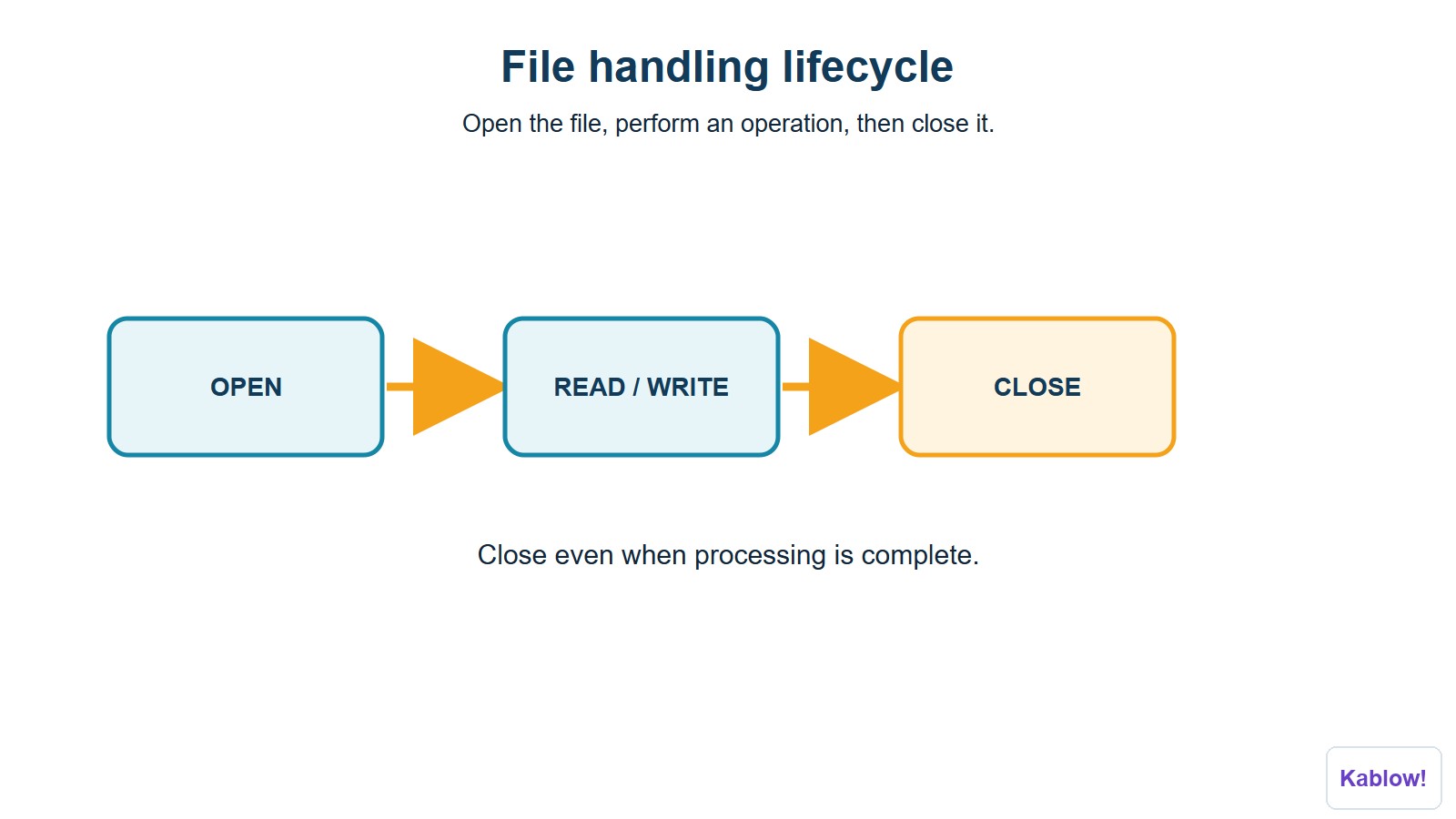
Steps: open the file (read, write or append), read/write data, close the file.
Example: file = OPEN("scores.txt") line = file.READLINE() file.CLOSE().
File-handling lifecycle
Why use files?
Store results, load configuration, and keep records.
投影片
Sign up free to view the lesson slides
Step through every slide for this topic — plus flashcards and revision notes — with a free account.